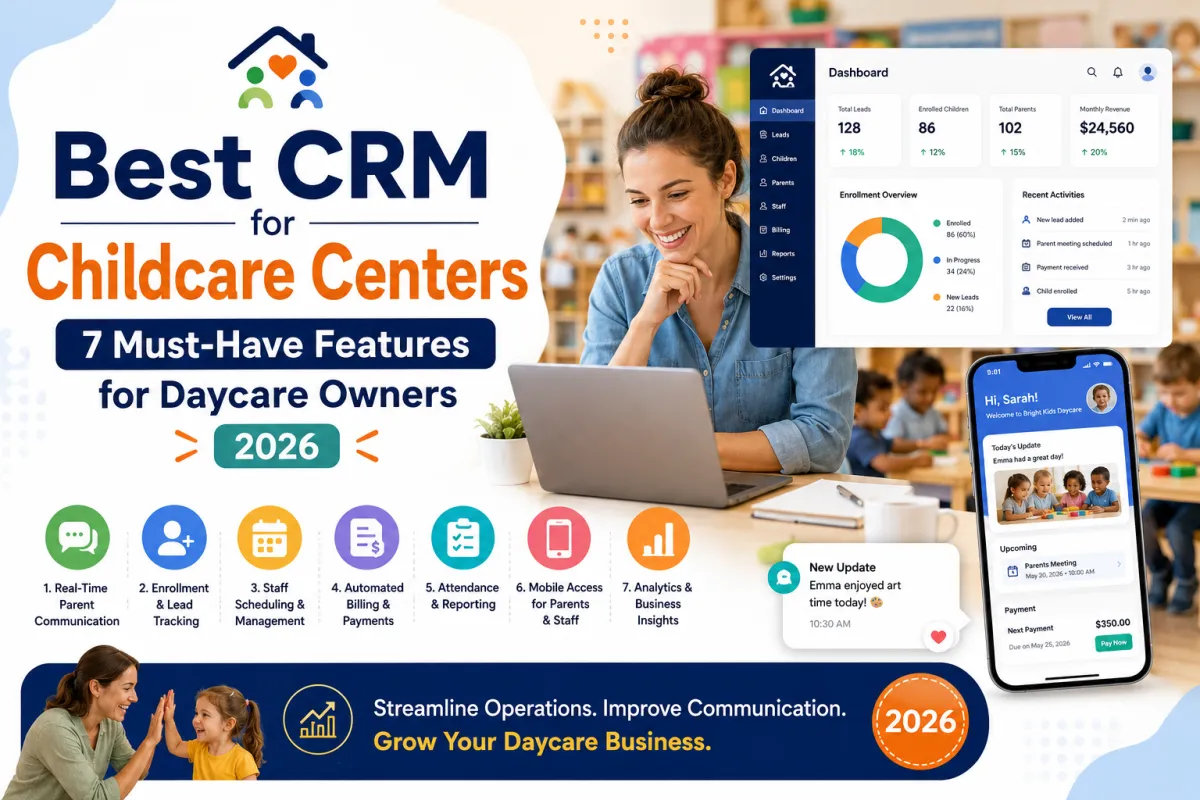
Best CRM for Childcare Centers: 7 Must-Have Features for Daycare Owners (2026)
If you are still managing parent communications through a mix of paper notes, group texts, sticky notes on the front desk, and your personal cell phone, you are not alone but you are losing time, missing leads, and frustrating families.
The right CRM (customer relationship management) software can transform how your childcare center runs. Done well, it captures every inquiry, automates parent updates, tracks enrollment leads, and replaces three or four other systems you are already paying for. Done poorly, it becomes another tool collecting dust.
This guide walks you through what to look for in the best CRM for childcare centers in 2026 — the seven features that actually matter, what to avoid, and how to know when it is time to switch.
Why Childcare Centers Need a Specialized CRM (Not a Generic One)
You can technically run a childcare center on HubSpot or Salesforce, but you should not. Generic CRMs are built for B2B sales pipelines — they assume your contacts are companies, your deals close in months, and your communication is mostly email.
Childcare is the opposite:
Your contacts are families with multiple children, each in different programs
Your sales cycle is 2–4 weeks, not months
Most communication happens via text and mobile app, not email
You need to track tour bookings, waitlists, and enrollment milestones — not deal stages
You need parent engagement tools (daily reports, photos, attendance) that generic CRMs do not have
A childcare-specific CRM — or a generic CRM customized properly — solves these problems out of the box.
1. Lead Capture and Tour Booking Automation
Most childcare centers lose 30–50% of leads simply because no one responds fast enough. A parent fills out an inquiry form at 9pm, hears nothing until Monday morning, and has already toured two other centers by then.
Your CRM should handle this automatically:
Capture leads from your website, Facebook, Google ads, and walk-ins into one inbox
Auto-respond within 60 seconds via text and email
Offer self-service tour booking — let parents pick a time without phone tag
Send confirmation, reminder, and follow-up messages without you lifting a finger
Tag the lead source so you know which marketing channels actually produce enrollments
Speed-to-lead is the single highest ROI feature of any childcare CRM. Centers that respond in under 5 minutes are 9x more likely to convert that lead.
2. Two-Way Texting With Parents
Parents do not check email. They check texts. Any childcare CRM that does not support two-way SMS at the center level (not from your personal phone) is missing the most-used communication channel in early education.
Look for:
A shared center phone number staff can text from
Automated text broadcasts for closures, events, and reminders
Templates for common messages (sick day, late pickup, enrollment confirmation)
Conversation history saved per family — so any staff member can pick up where another left off
HIPAA-aware messaging when you discuss medical or sensitive info
Centers that switch from personal phones to centralized texting cut parent response times by 70%.
3. Enrollment Pipeline and Waitlist Management
Tracking enrollment in a spreadsheet is how families fall through the cracks. A child gets enrolled but never assigned a classroom. Another sits on a waitlist for 6 months because no one followed up.
A good childcare CRM gives you:
Visual enrollment pipeline (Inquiry → Tour Scheduled → Tour Completed → Application → Enrolled)
Automatic waitlist with positions, age groups, and target start dates
Capacity tracking by classroom and age group
Tuition and deposit tracking integrated with the family record
Automated nurture sequences for parents who toured but did not enroll yet
This single feature can recover 5–10 enrollments per year that would otherwise slip away.
4. Parent Daily Reports and Engagement Tools
Modern parents expect photos, meal reports, and nap times sent to their phone during the day. This is not optional anymore — centers that do not offer it lose to centers that do.
The best childcare CRMs include or integrate with:
Daily report builder (meals, naps, diapers, mood, activities)
Photo and video sharing with parents (privacy-controlled)
Attendance tracking with check-in and check-out signatures
Milestone and developmental progress notes
Parent-facing mobile app so families see updates in real time
Centers that use these tools have measurably higher parent satisfaction scores and noticeably lower churn.
5. Built-In Marketing Automation
If your CRM does not double as a marketing tool, you will end up paying for Mailchimp, ConvertKit, ActiveCampaign, or a Facebook ads tool on top of it. A good childcare CRM consolidates all of this.
What to look for:
Email and SMS broadcasts to all parents, leads, or specific segments
Drip campaigns for new leads (tour follow-ups, reminder series, special offers)
Re-engagement campaigns for parents who unenrolled
Birthday and milestone messages sent automatically
Referral request automation (asking happy parents for reviews and referrals at the right moment)
This is where a CRM pays for itself — replacing 3–4 other tools while making your marketing more effective.
6. Reporting and Analytics That Owners Actually Use
Every CRM claims it has "powerful reporting." Most of it is useless. What you actually need:
Inquiries per week and source (Google, Facebook, walk-in, referral)
Tour-to-enrollment conversion rate
Time-to-respond on new leads (so you can hold staff accountable)
Waitl
ist depth by classroom and age group
Revenue per family and tuition collection status
Capacity utilization by location (critical for multi-site owners)
If you have to export to Excel to get these numbers, your CRM is the wrong tool.
7. AI-Powered Automation (The 2026 Game-Changer)
The biggest shift in childcare CRM software in 2026 is AI. Modern systems can now do things that used to require a full-time office manager.
Look for AI features like:
AI voice agents that answer your phone 24/7 and book tours when staff is busy
Smart inbox prioritization (urgent parent issues bubble to the top)
Predictive enrollment forecasting ("You will be at 87% capacity in 60 days")
Auto-drafted responses to common parent questions
Sentiment analysis on parent communications to catch unhappiness early
This is no longer experimental — it is the difference between a CRM that saves you 5 hours a week and one that saves you 20. At DW Bridges, we help centers integrate AI-powered CRM solutions customized specifically for childcare workflows.
Red Flags to Avoid When Choosing a Childcare CRM
Just as important as what to look for is what to avoid. Watch out for:
Per-child pricing that scales painfully as you grow (some systems charge $4–8 per enrolled child per month — this gets expensive fast)
Long-term contracts (12+ months) — childcare needs change fast, and you may need to switch
Generic CRMs marketed to childcare as an afterthought — they will not have the family-level data model you need
No mobile app for parents — this is non-negotiable in 2026
Setup fees over $500 without included migration support
Poor reviews specifically about customer support — when the CRM breaks, you need help fast
Frequently Asked Questions About Childcare CRM Software
How much does a CRM for childcare centers cost?
In 2026, expect to pay between $50 and $300 per month for a small to mid-size center, depending on features and number of children. Multi-site centers typically pay $300–800 per month. AI-enhanced platforms cost more but often replace 3–4 other tools you are already paying for.
What's the difference between a CRM and childcare management software?
Childcare management software typically focuses on operations (attendance, billing, daily reports). A CRM focuses on relationships (leads, parent communications, enrollment pipeline). The best modern systems combine both, so you do not need two tools.
Can I use HubSpot or Salesforce for my childcare center?
Technically yes — and some larger multi-site operators do. But you will need significant customization to model families and children properly, and you will pay enterprise pricing. For most centers, a childcare-specific platform or a properly configured all-in-one CRM is a better fit.
How long does it take to set up a childcare CRM?
Basic setup takes 2–4 weeks (importing contacts, building templates, training staff). Full optimization with automation, reporting, and integrations takes 6–12 weeks. Working with a consultant who specializes in childcare CRM implementation can cut this in half.
What's the best CRM for a small childcare center?
It depends on your priorities, but the best CRM for childcare centers is the one that combines lead capture, two-way texting, marketing automation, and parent engagement in one platform — not three. DW Bridges helps childcare owners select and implement the right CRM for their size, budget, and growth goals, and handles the full setup so it works on day one.
Stop Losing Leads to Bad Software
Choosing the best CRM for your childcare center is one of the highest-leverage decisions you will make this year. The right system fills your classrooms, retains your families, and gives you your evenings back. The wrong one becomes a $200/month expense that nobody on your team uses.
At DW Bridges, we have helped childcare centers across the country implement CRM systems that actually deliver — combining AI-powered automation, lead nurture sequences, and parent engagement tools into one workflow tailored to early education.
We also pair CRM implementation with our enrollment marketing program and staffing solutions, so growth becomes operational, not chaotic.
If you want a free consultation to identify the best CRM for your specific center, book a complimentary call today.
Your software should work as hard as you do. Let's make that happen.
